A dot blot array, quantified in Phoretix Array
A 45-second loop of the Phoretix Array workflow: a single or multichannel array image from any imager, a measurement grid fitted once, background subtraction, normalization to control spots with a presence threshold, a saved template that takes the next image straight to results on any site, then export and a compliant report.
1 / 6 · Open
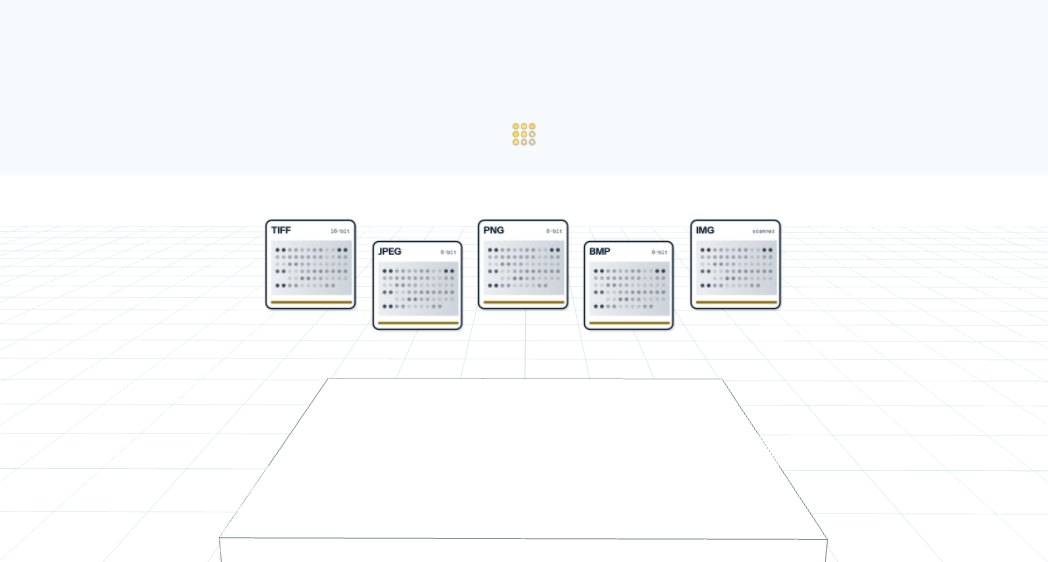
Array images from any imager.
Single or multichannel images, one channel per dye or stain, as TIFF, JPEG, PNG, BMP or IMG files.
Dot blot, array and plate analysis. Fit the grid once, save it as a template, and the next image goes straight to results, in under a minute.
Start a free trial at totallab.comYour software won’t do what you need? Ask TotalLab.
Open any array image
Dot blots, cytokine arrays, ELISpot and FluoroSpot plates, slot blots, ELISA and ELIFA plates, In-Cell Westerns, microtiter plates and DNA or RNA microarrays, from fluorescence, chemiluminescence or colorimetric detection. Multichannel images are supported, with one channel for each stain, color or dye, for multiplex blots and two-color microarrays. TIFF, IMG, JPEG, PNG and BMP files from almost any scanner or imager.
Fit the grid
Click and drag a measurement grid over the image. 96 and 384 well plate templates are built in, and measurements are taken directly from the raw image, with no compression and no scaling.
Background subtraction
Choose from a range of background subtraction methods for accurate results from even the noisiest images, with calculations based on peer-reviewed methods.
Normalize, calibrate, call presence
Normalize to a specific well or to the average of several, calibrate unknowns against known standards, and set a presence threshold to mark positive and negative results across the whole array.
Template once, run anywhere
Your settings are saved as a template, so the next image goes straight to results. Build an unlimited library and email templates to colleagues or other sites, so every site and CDMO runs exactly the same analysis with less inter-operator variability.
Export and comply
Export a PDF report or a raw CSV file for further calculation. With AuditSafe, Phoretix Array meets 21 CFR Part 11, EU Annex 11 and GMP requirements from captured image to final report, and IQ/OQ validation packages are available. Runs on Windows, macOS and Linux.
“I really liked the software, it was easy to use and gave me everything I needed for quantification of dot blots. It was the first time I did this kind of experiment and this software saved me a lot of time.”
Johnny Cabrera, Novartis
Try Phoretix Array free on your own array images. Support, training and updates are included in the license, with online or offline activation. Working in a regulated lab? AuditSafe adds 21 CFR Part 11 and Annex 11 controls.
Start free trial