Frequently asked questions
What is SameSpots used for?
SameSpots is 2D gel analysis software for proteomics. It aligns, detects, matches and quantifies protein spots across 2D-PAGE, 2D-DIGE, 2D Western blot and 2D-DIBE images, then runs the statistics needed to identify proteins whose expression differs between conditions. The full workflow is described in how to analyze 2D gels with SameSpots.
Is SameSpots an alternative to Melanie?
Yes. SameSpots and Melanie are the two actively maintained commercial packages for 2D gel differential expression analysis. SameSpots covers conventional gels, DIGE and blots in a single license, includes repeated measures ANOVA, and offers a 21 CFR Part 11 compliance pathway through AuditSafe. A comparison table is on this page.
Can I use SameSpots to replace PDQuest?
Yes. When Bio-Rad discontinued PDQuest they named TotalLab their preferred alternative vendor and recommended SameSpots to their users. A migration guide is available on this page, and the announcement is covered in full in PDQuest discontinued: Bio-Rad recommends TotalLab.
Does SameSpots match all spots across all images?
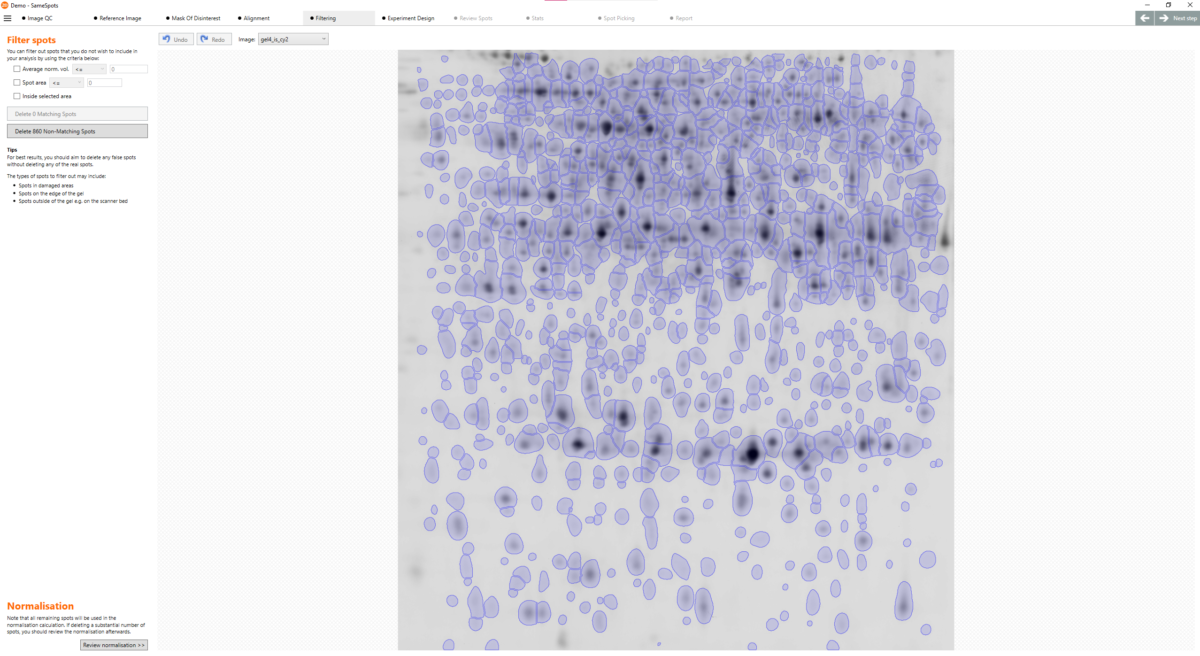
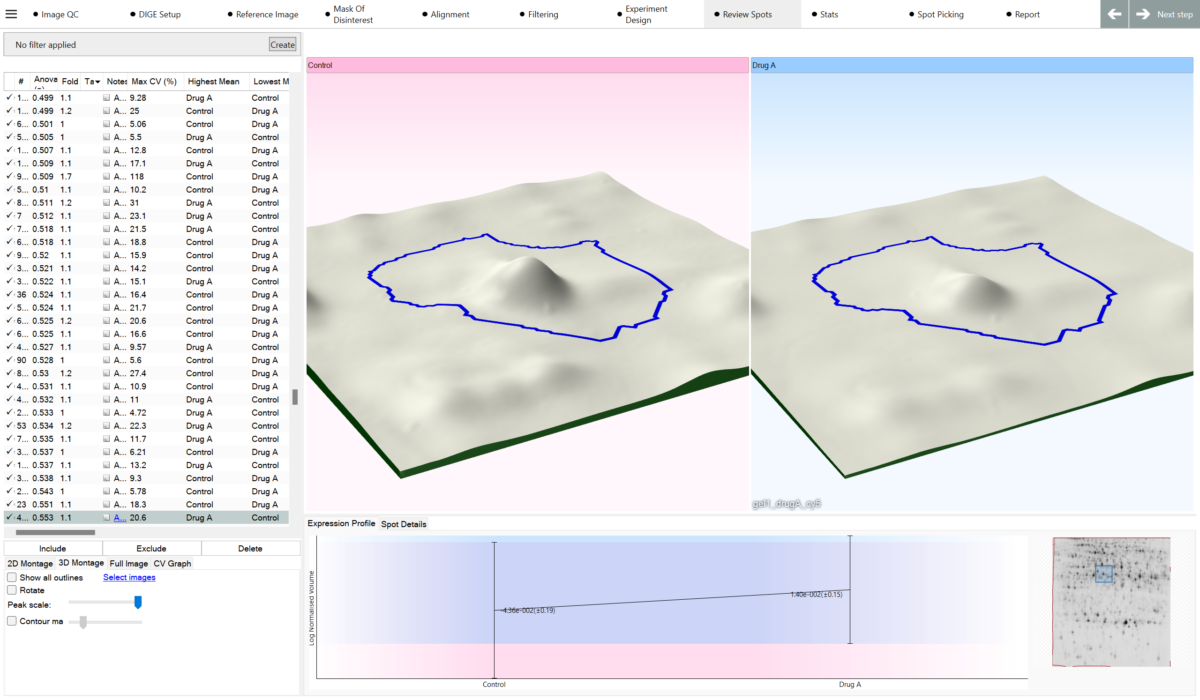
Yes. SameSpots guarantees 100% spot matching with no missing values across all images in your experiment, because it aligns the images first and then detects one spot pattern across the whole experiment.
Can I analyze 2D-DIGE images?
Yes. SameSpots fully supports 2D-DIGE analysis for experiments using Cy2, Cy3 and Cy5 fluorescent dyes, including experiments run with a pooled internal standard. DIGE support is included in the standard license. If you are deciding whether DIGE is worth the extra cost, read 2D-DIGE vs 2D gel electrophoresis.
What statistics are built in?
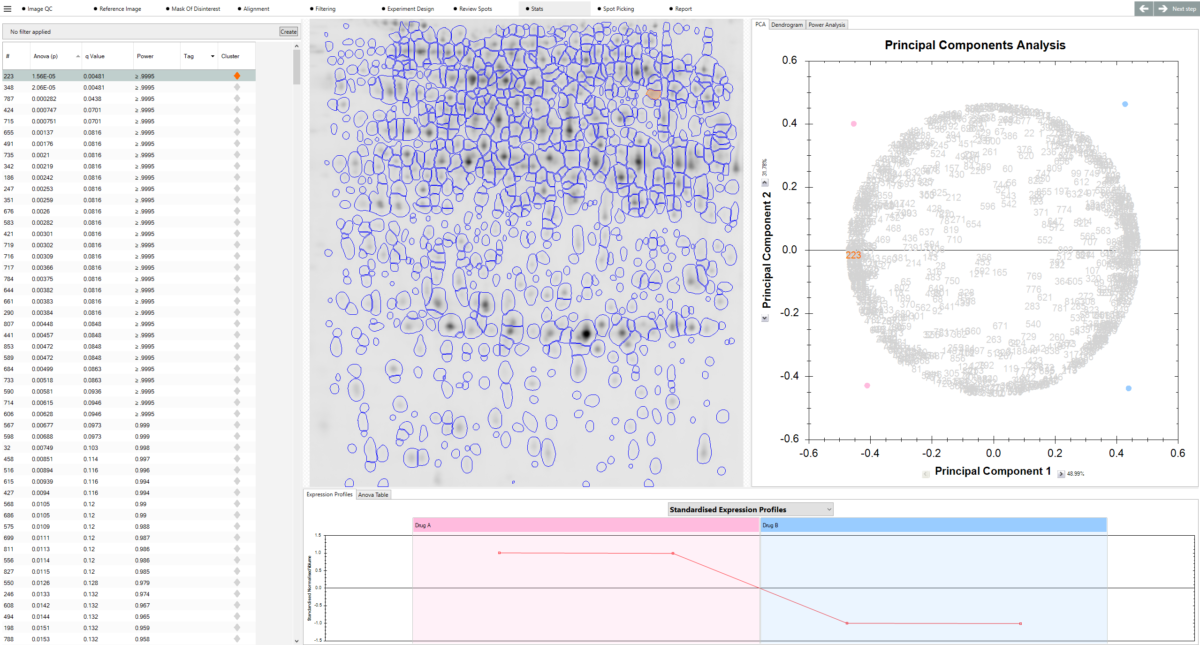
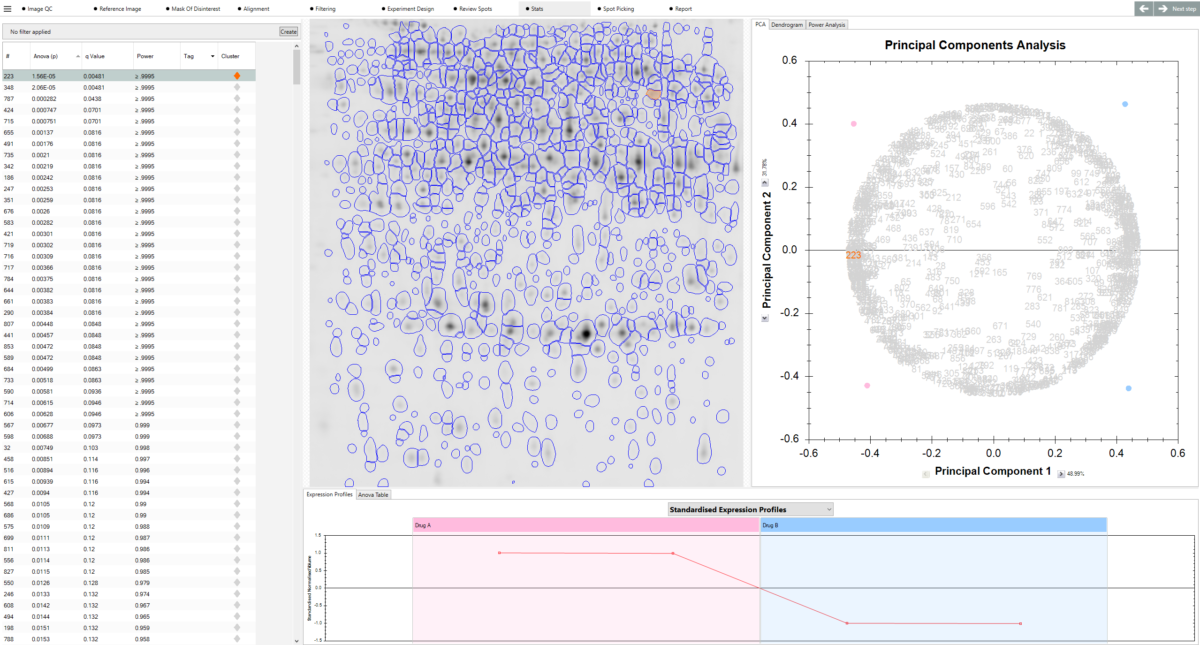
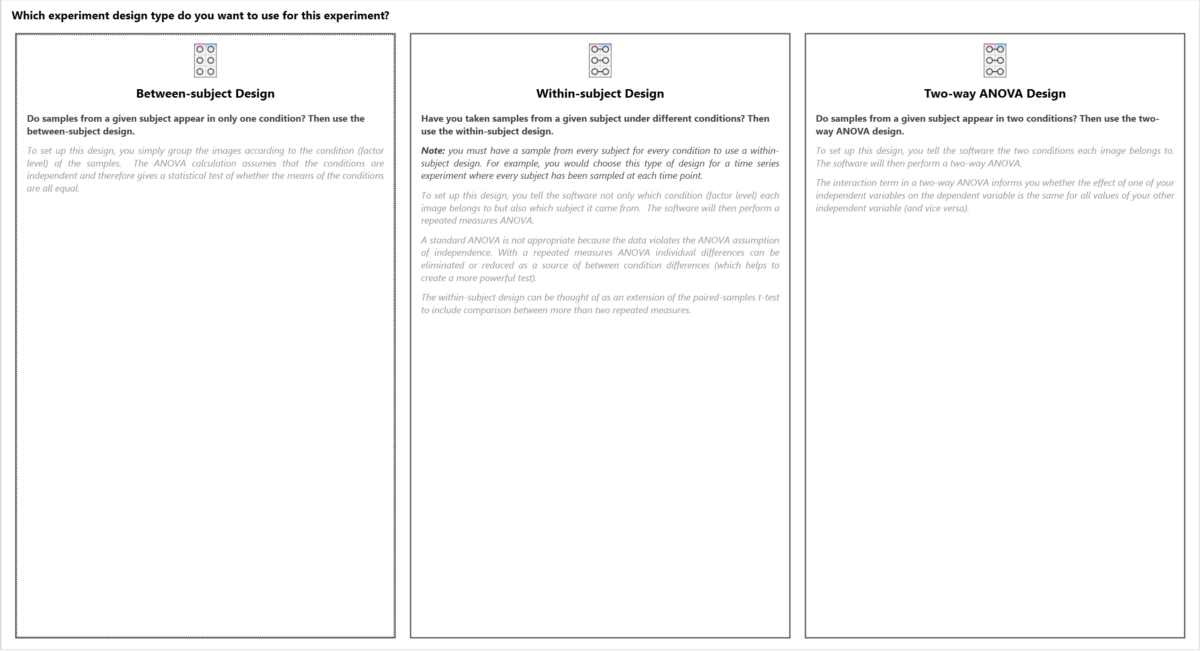
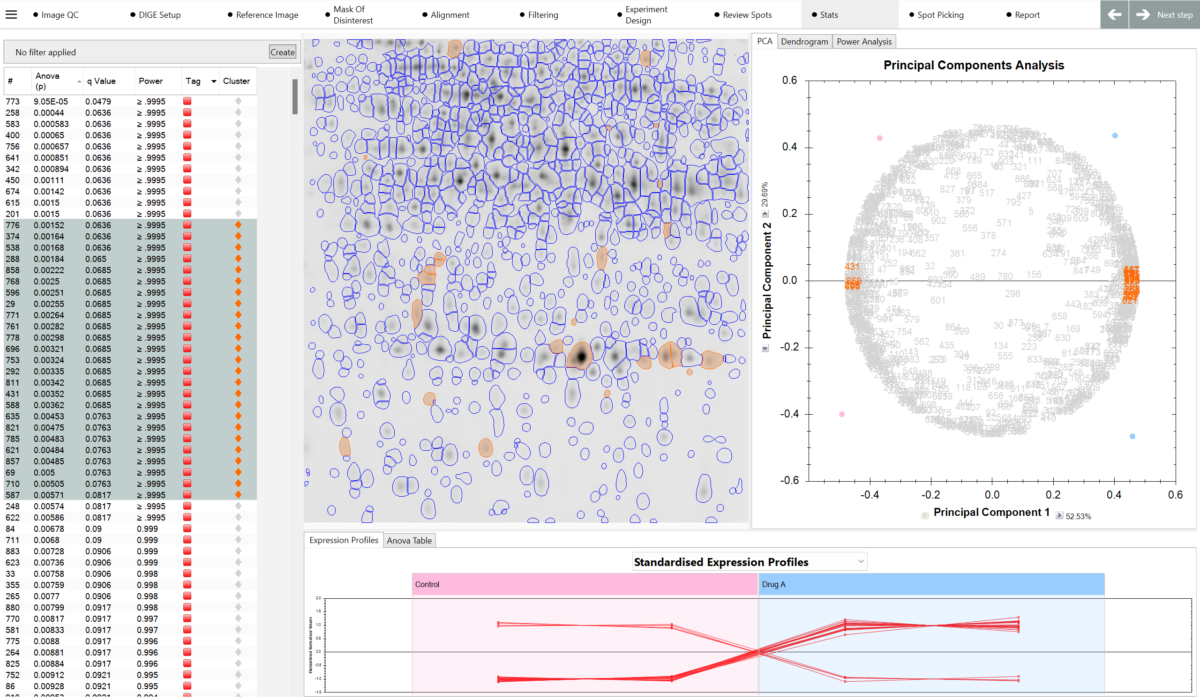
One-way ANOVA, two-way ANOVA, repeated measures ANOVA, principal component analysis (PCA), expression profiles, interaction plots, scatter plots, descriptive statistics and power analysis. SameSpots reports a p-value, a q-value and the statistical power for every spot; our guide to p-values, FDR and q-values explains how to interpret them.
How long does analysis take?
A typical gel takes under five minutes. A full experiment of 24 images can be analyzed in approximately one hour.
How does alignment work?
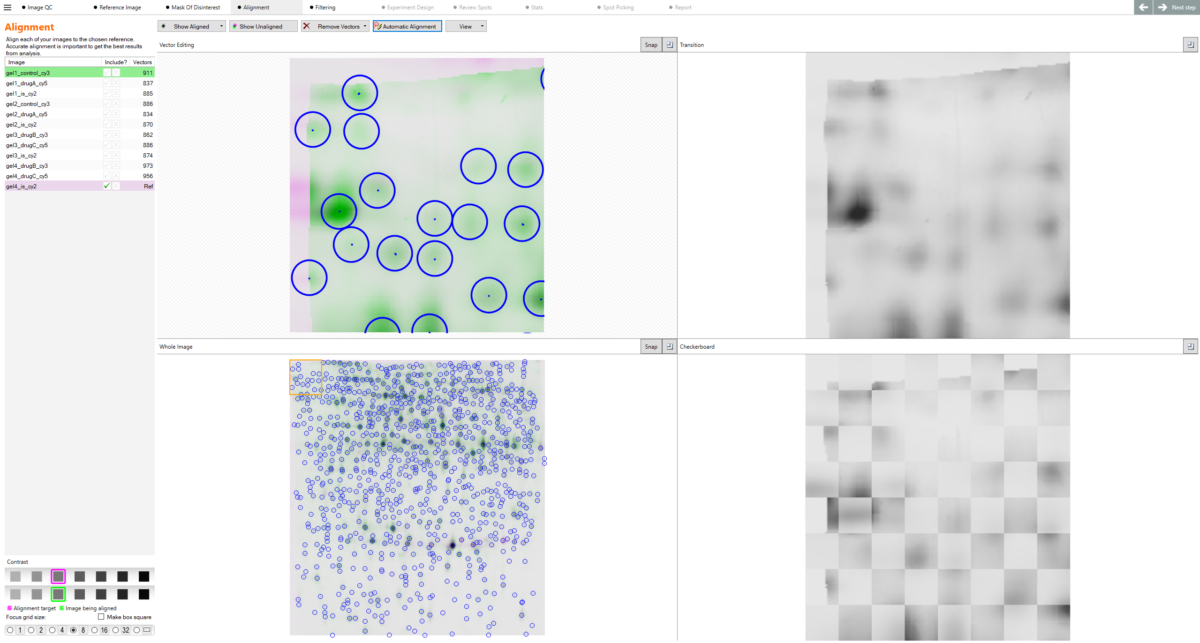
SameSpots identifies corresponding spots between each image and the reference image, then warps the image so that its spots precisely superimpose with those in the reference coordinate space. This removes the positional variation inherent to 2D gel electrophoresis before any spot is detected. Read more in 2D gel image alignment explained.
What is the reference gel?
The reference gel is the image that all other images in the experiment are aligned to.
Can I check image quality before analysis?
Yes. When images are added to an experiment they are automatically checked for bit depth, saturation, resolution and file size consistency, and inversion or orientation problems. Issues are highlighted immediately, before any analysis is attempted. Our guide to imaging 2D gels explains the scanner settings that avoid these problems in the first place.
Can I edit my images?
Yes. Cropping, rotating, flipping, scaling and inverting tools are built in.
How is different gel loading corrected?
Through normalization. Every spot is expressed as a ratio to the same spot on a reference gel, or to the Cy2 internal standard in DIGE, and each gel is scaled by the robust mean of its log ratios with outliers excluded. The statistics then run on log-transformed normalized volumes. See normalization in 2D gel and 2D-DIGE analysis for the methods compared.
Can I calculate pI and molecular weight?
Yes. Define known pI and MW markers within your gel images and SameSpots calibrates the rest.
Can I generate picking lists?
Yes. SameSpots exports picking lists for spot-picking robots, including the Cytiva Ettan Spot Picker, as well as manual picking templates. See 2D gel spot picking and protein identification for the full process from spot to identity.
Can I import mass spectrometry identifications?
Yes. Protein identifications can be imported from MASCOT and from custom databases and attached to the matching spots.
Can I export my results?
Yes. Data can be exported at every stage of the analysis in CSV format or as HTML/PDF output in a formal report. All images can also be exported for formal presentation as well.
Which image formats and imagers does SameSpots support?
SameSpots is vendor-neutral and works with images from any scanner or imager, in all common stains and industry-standard image formats such as .TIFF, .JPG, .PNG, .BMP etc. For the resolution and bit depth to scan at, see imaging 2D gels.
What operating systems does SameSpots run on?
Windows 10 and Windows 11. SameSpots is not available for macOS.
Does SameSpots do HCP antibody coverage analysis?
HCP coverage analysis is a different assay with different outputs, so TotalLab provides SpotMap 2D for it. SpotMap 2D and SameSpots are both named in Bio-Rad’s PDQuest announcement.
Is SameSpots 21 CFR Part 11 compliant?
With TotalLab’s AuditSafe module, SameSpots provides audit trails, electronic signatures, granular user permissions and image authenticity verification to meet FDA 21 CFR Part 11 and EU Annex 11 requirements.
Is there a free trial of SameSpots?
Yes. Request a free trial and evaluate SameSpots on your own 2D gel or 2D-DIGE images. Trial licenses are usually issued within one business day.
Is there a free version of SameSpots?
No. SameSpots is commercial software. A fully functional free trial is available, and multi-computer pricing is available on request.
Has SameSpots been used in published research?
Yes. SameSpots has been cited in more than 200 peer-reviewed publications. A reference list is maintained on the TotalLab website.
How long does it take to learn?
New users are typically productive after less than two hours of training. The fixed step-by-step workflow means there are no decisions to make about what to do next.





 Powered by Bioz